


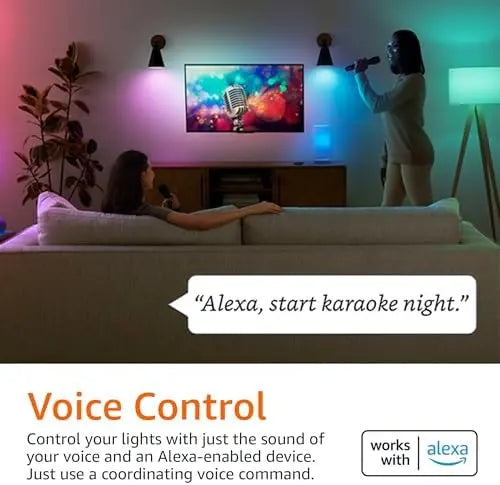


Amazon Basics Smart A19 LED Light Bulb | Smart A19 LED Bulb | 9W | 60W | 800LM
Amazon Basics Smart A19 LED Light Bulb | 9W | 60W | 800LM
Amazon Basics Smart A19 LED Light Bulb | 9W | 60W | 800LM is selected for shoppers who want clear specifications, reliable product details and a simple buying experience from TechTreasuries. This smart A19 LED bulb page is written to help you compare the model, understand the key features and choose confidently without digging through confusing marketplace text. It is especially relevant for searches such as Amazon Basics Smart Light, smart LED light, Smart Light, Smart Lighting, LED lighting, mood lighting.
Why this product stands out
- Adds practical lighting and ambience to your home or entertainment setup
- Smart, dimmable or sensor-based features are highlighted where listed
- Useful for bedrooms, living rooms, kitchens, hallways or outdoor areas depending on model
- Designed for shoppers comparing convenience, style and lighting control
Key details
- Connectivity: WiFi 2
- Availability: Ships from TechTreasuries
- Brand: Amazon Basics
- Product type: Smart Light
Compatibility and use
- Amazon Alexa where supported
- Helpful for buyers looking for a smart LED light for everyday home lighting and mood lighting
Before you buy
Please review the selected variant, storage, color, size, connection type and condition before checkout. For renewed or refurbished items, cosmetic condition and included accessories may vary by listing, so the condition is stated clearly where available.
FAQ
What is an A19 smart bulb?
A19 is a common bulb shape and size. A smart A19 LED bulb combines that form factor with connected lighting features where supported.
What does A19 mean on a LED light bulb?
A19 refers to the bulb's shape and size, not the base type or smart features.
What is a smart LED bulb?
A smart LED bulb is a light bulb that can offer connected control and other smart lighting features, depending on the model and compatibility.
Are A19 and E26 the same thing?
No. A19 refers to the bulb shape, while E26 refers to the base type. They describe different parts of the bulb.
Why buy from TechTreasuries?
TechTreasuries organizes products with clean titles, readable specifications and checkout-focused details so you can compare tech products faster and buy with confidence.
Pairs well with
In stock! Ships within 7 - 14 Business Days for Free Shipping & 3 - 5 business days with Express Shipping.
14 - Days Money Back guarantee
2-Year Warranty
Complimentary shipping & returns
Amazon Basics Smart A19 LED Light Bulb | Smart A19 LED Bulb | 9W | 60W | 800LM
If you have any questions, you are always welcome to contact us. We'll get back to you as soon as possible, within 24 hours on weekdays.
-
Shipping Information
Use this text to answer questions in as much detail as possible for your customers.
-
Customer Support
Use this text to answer questions in as much detail as possible for your customers.
-
FAQ’s
Use this text to answer questions in as much detail as possible for your customers.
-
Contact Us
Use this text to answer questions in as much detail as possible for your customers.
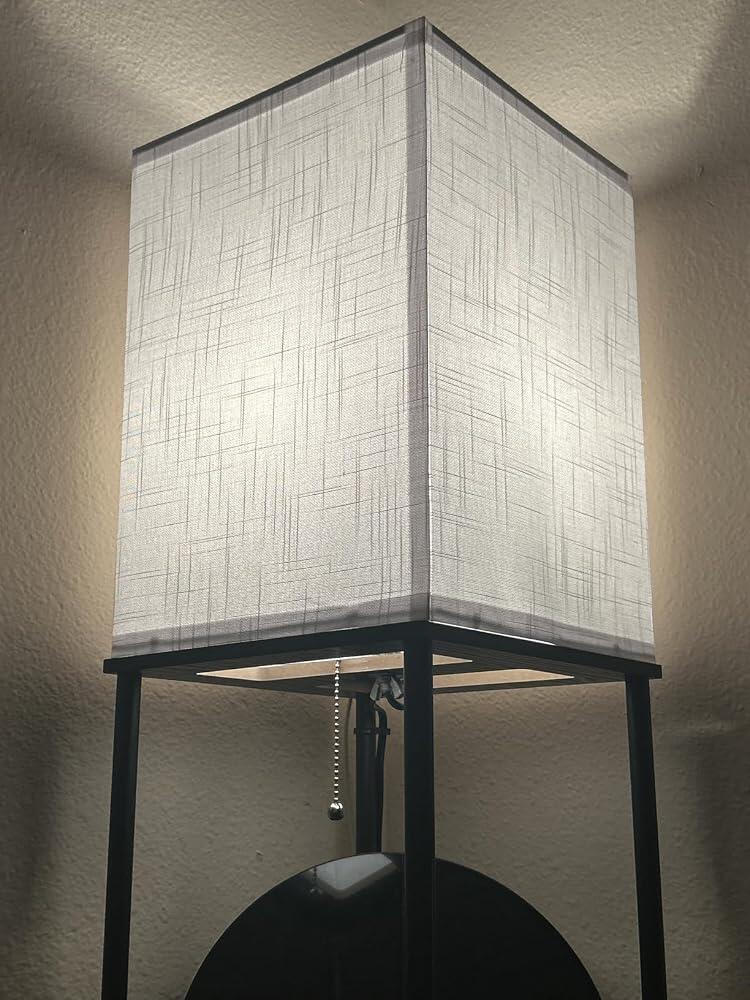
These lights are really cool. I have two of them in my bedroom. They came automatically set up to my Alexa’s right when I connected them to electricity. It was very interesting so far they are lasting really good and with my Alexa I could dim my lights, make them brighter and change the color, I rarely use the app but all I gotta say is Alexa to turn off the lights in the night and it’s amazing and in the morning to turn it back on highly recommend these!
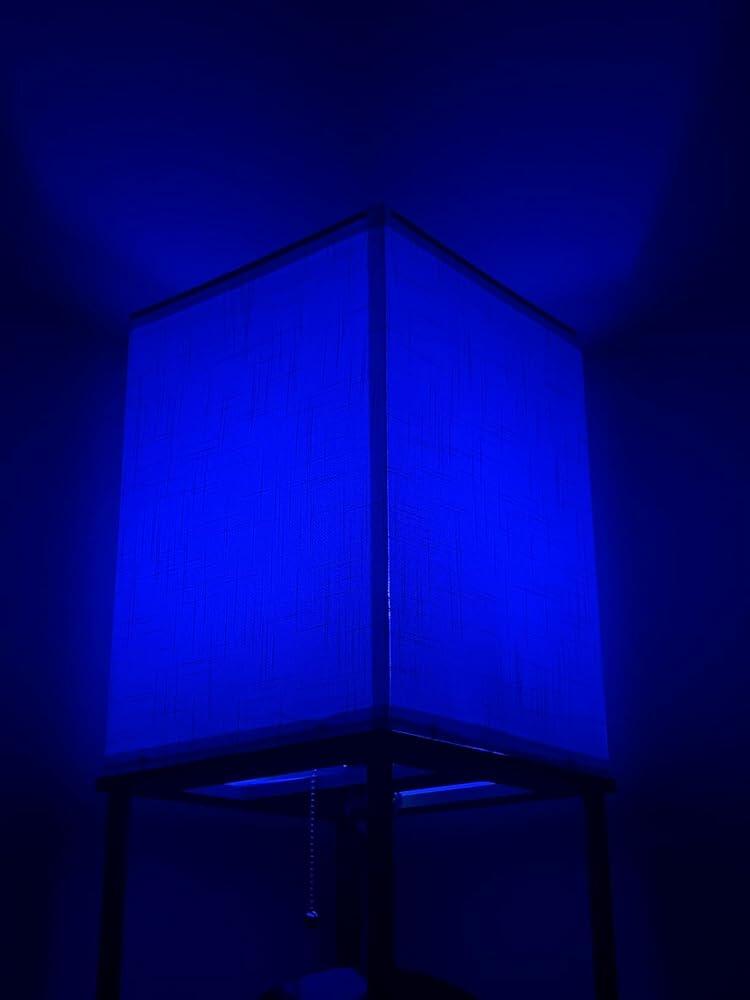
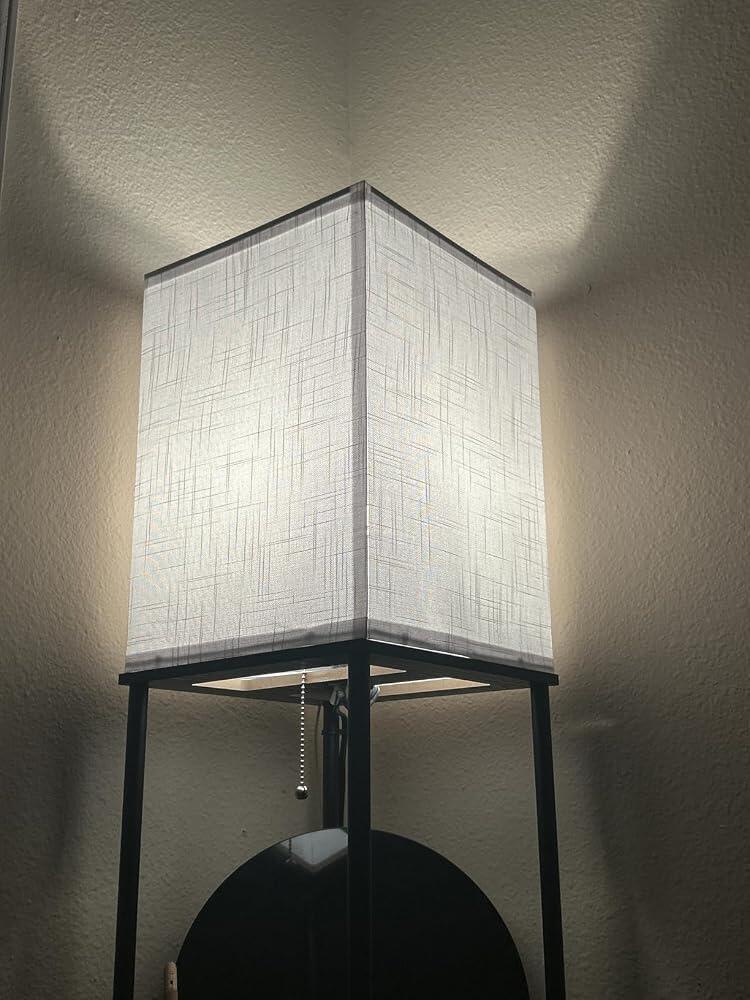
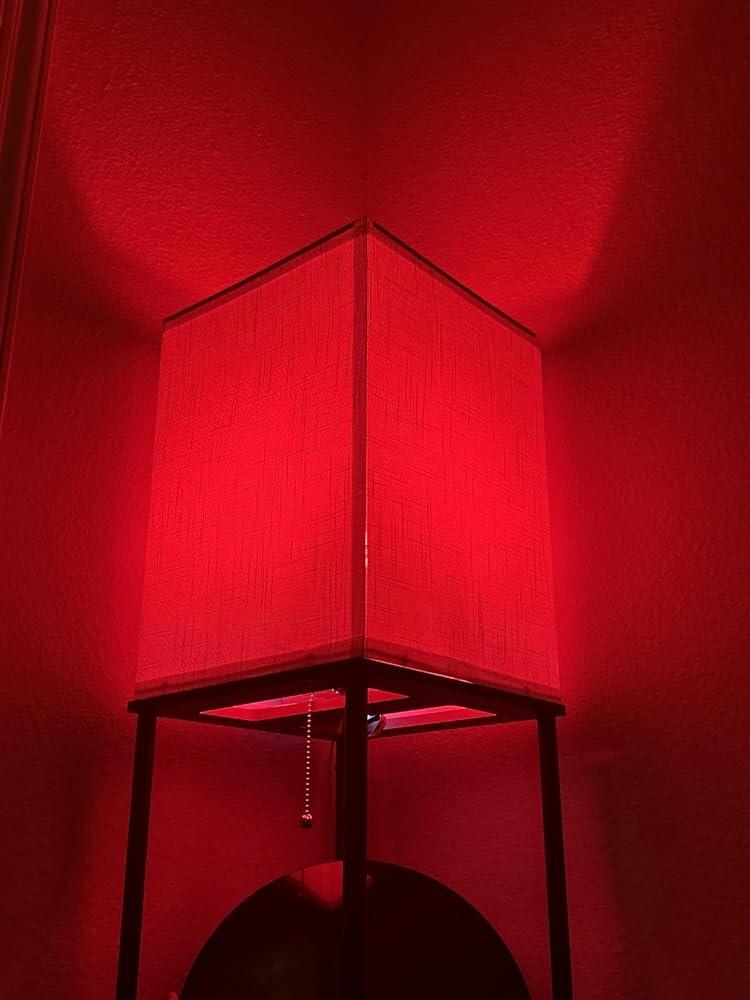
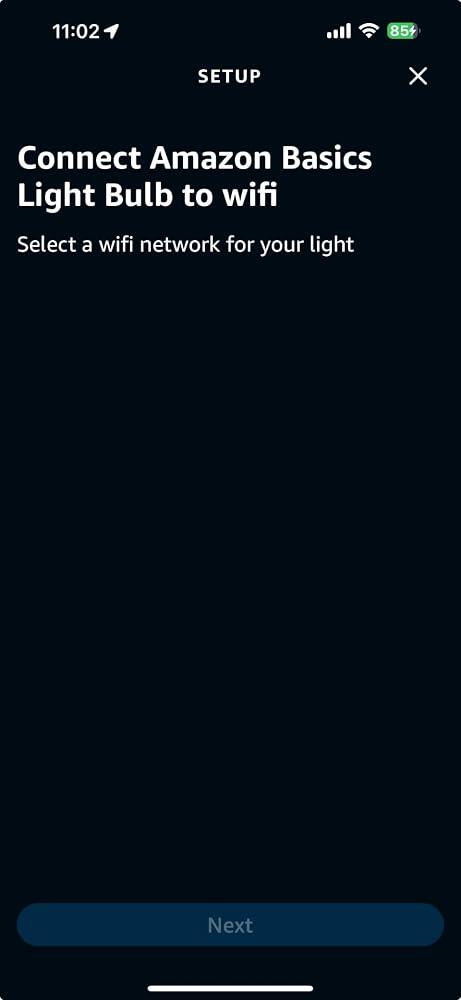
When the bulb sets up properly, it works well. However, the first set of four bulbs I bought (two years ago) have had sporadic problems retaining their configuration for WiFi, color and brightness after recovery from our (unfortunately) frequent power outages (we experienced >40 outages totaling over 228 hours in 2024 alone!), and one or two of the bulbs needed to be re-added as a new device every few times we had power outages.Eventually, one of the bulbs fully stopped being able to be set up--it would not go into reset mode, despite many attempts at the reset procedure that I am VERY familiar with, having had to execute it maybe a dozen or more times in the two years I had the initial set of bulbs.So I ordered a replacement box of four, figuring I would toss out the defective one and have some spares in case another one was defective. The first new bulb I tried to set up (and I tried 12-15 times total before finally giving up) flat out would not find the 2.4GHz WiFi networks (an eero mesh network with two SSIDs with different passwords) in my home--see the included photo of the WiFi selection screen. Resetting Bluetooth on the phone, resetting WiFi on the phone, resetting the phone, resetting the eero mesh network, resetting the main wired router, and resetting the internet connection ALL failed to alter the behavior. The bulb simply never found ANY WiFi networks. We're physically distant enough from the nearest neighbor that there was no interference from other WiFi networks, and my signal strength within 5 feet of the bulb was full, as is seen in the attached photo. After 12-15 total attempts, I gave up trying to set up the first of four bulbs. The second one I tried set up with no problems, so the issue was clearly a defective bulb, not environmental.Even though I did not plan to put the remaining bulbs into service yet, I tested them out to make sure they were not defective like the first one was, and BOTH of the remaining two exhibited the same defective behavior--would not find/show any WiFi networks to connect to. I'm returning the defective units for a replacement, but I am not hopeful I will have much better luck with the replacements. So to recap, three of four in one box were unable to find any WiFi networks, despite the WiFi signal being strong and having no interference.In short, when they work, they work well and I am mostly happy with them (though I wish there was a custom color wheel like some other bulbs offer, and I wish the preset colors were a closer to what they appear on the Alexa app screen), but the reliability is still not there.Also, I wish there was a way to configure them so that they would *NOT* automatically turn on following a power outage. I realize that when they think they have been reset, they will come on at full brightness in one of the white shades, but if the power fails and comes back, or power browns out in the middle of the night, it takes several minutes before the Internet, main router, WiFi routers and Alexa are back online sufficiently to turn the bulbs off again, which pretty much means that everyone wakes up--we use them in the nightstand lights in our bedrooms.I know these are "Basics" but the reliability needs some work.UPDATE! UPDATE! UPDATE!!!I did some poking around online and discovered that the problem is my too-smart-for-its-own-good Amazon-branded eero WiFi mesh network, which broadcasts a single, unified SSID for the 2.4GHz, 5GHz and 6GHz bands, and therefore trips up these not-so-smart Amazon-branded WiFi Smart Bulbs, and simply don't display ANY network selections OR MANUAL NETWORK CONFIGURATION UI IN THE ALEXA APP when they're provisioning using the Alexa app. Way to go, Amazon, making products that don't work together! The solution is to use the eero app's Troubleshooting page (Gear Icon "Settings" in the lower right, then "Troubleshooting" tile), and tap the "My device won't connect" tile. From there, use the "My device is 2.4 GHz only" tile, and finally the "Temporarily pause 5 GHz" button. Work quickly, because even though this pause is allegedly 30 minutes, and provides a comforting countdown timer, I have found that after 4-5 minutes, the eero CLAIMS it is still in the pause mode, but the bulb reverts to responding as though the 5GHz band is active again, and doesn't display any networks to connect to or any way to manually enter a network SSID.A side-effect of that solution is that a LOT of "smart" devices that *ARE* connected using 5 GHz lose their connections, so they have to be power-cycled once the 5 GHz band has been resumed (manually using the "Cancel" button where the "Temporarily pause 5 GHz" button was, or by the expiration of the 30-minute pause timer). I recommend using a Guest network that is restricted to 2.4GHz and connecting your 2.4GHz-only devices, like the current revision of these bulbs, to that guest network.In all...pretty clunky, and not friendly, Amazon, and it cost you two-way shipping to get me a replacement se...
These are simply plug and play, turning any basic light into a smart light controlled by my Alexa app on my phone or by voice commands to my echo dot.I have various brands’ smart switches and devices throughout my home. As far as setup goes, these are by far the simplest. Each bulb setup took <1 minute.The color and temperature choices are unlimited if you’re into mood lighting or want a night light etc.I just wanted to turn on and off bathroom lights when my hands were full or I had to go in the middle of the night.They’re expensive so I bought used from Amazon Warehouse which was a great deal for me. No problems whatsoever.
If you use Alexa get these bulbs. They quickly link to your network and are effortless to use. The color scheme is adaptable to whatever your needs may require. We love the dimming feature as the shut down. Great product.
Very easy to set up and connect with Alexa. It took only 5 minutes maybe. They work great? I love the colors & that you can change how bright the light is. I recommend these.
Very happy with my purchase of the Amazon basics LED smart light bulbs. It was very easy to hook them up to my Wi-Fi into my Alexa device. As I am trying to turn my home into a completely voice activated home. One thing I have learned doing this is one it can get very expensive and the price of these are very economical. To and I think this is important but whatever brand you're going to go with I would try and stick to that brand for everything. I have bought an Alexa device well too Alexis devices and anytime I buy anything that is a different brand it seems to be a very very bad headache to get it to connect sometimes. However when you use Amazon products with Alexa they seem to pair up very quickly and easily in the process is simplified significantly!
I finally tried one of these smart bulbs. I have many smart switches and devices in my house but most all of my light switches are dimmer switches (and most are not LED dimmer compatible either) so i haven't tried one of these until now. My hallway/stairway light only has a switch at the top of the steps. It doesn't bother me but my guests are often freaked out. Decided i'd put this bulb in that ceiling fixture and i could set a timer to have it on as soon as it's dark. I love the dimming and color choices and it works flawlessly with the app. Using with voice control on my echo devices is very wonky (but that often does not work even playing music, and i tend to connect my phone to the echo via bluetooth to play music or else Alexa does whatever she pleases when i ask by voice). So far if i ask Alexa to turn this light on, she says she can't connect and then i ask a second time and it comes on. If i use the app, it comes on immediately. However if i ask alexa to turn my lamps on which are controlled by Govee switches, it's immediate with no glitch, so it must be something with the nature of a smart bulb vs a smart switch. Definitely not a deal breaker for me as i generally prefer using the app to speaking.

At Tech Treasuries, we make it easier for you to discover technology that fits your everyday needs.
We provide clear product information so you can compare your options and shop with confidence.
From gaming and entertainment to work and connected living, our collection is built around the way you use technology.
Whenever you need guidance, our team is here to help you make a more informed choice.
What people
are saying
Daniel CarterPurchased: iPhone 17 Pro MaxThe product information made it easy to compare the available models and choose the right storage option. The device matched the specifications shown on the listing.
Sophia BennettPurchased: Samsung 58-Inch 4K Smart TVI had a compatibility question before ordering and received a clear, practical response. The communication made the buying process feel much more straightforward.
Ethan WalkerPurchased: Xbox Series X Gaming SetupThe console, controller and headset were clearly listed with their individual specifications. It was easy to review the complete setup before adding everything to my cart.
Olivia MartinPurchased: Lenovo V15 LaptopThe laptop comparison guide helped me understand which features mattered for study and everyday work. It saved me from choosing a model that was more powerful than I actually needed.
Noah ThompsonPurchased: Samsung Galaxy S23 Ultra RenewedThe renewed-condition information was clearly explained, including the model, storage and color. I appreciated being able to review those details before placing the order.
Free shipping and returns
Authenticity Guarantee
Secure Checkout
Tracked Delivery
Dedicated Customer Support

TECHNOLOGY, CHOSEN WITH PURPOSE
From work and study to gaming, entertainment and staying connected, Tech Treasuries brings together practical technology for the way you live. Explore clear product details, compare your options and choose a device that genuinely suits your needs.
Customer Queries
Product Information
Every listing includes the available model, specifications, condition, colour, storage or size options where applicable. Please review the selected variant carefully before adding the product to your cart.
Shipping & Delivery
Orders are normally processed within 5-7 business days. Once your order has been dispatched, tracking information will be sent to the email address provided at checkout. Delivery times may vary depending on the destination and shipping service.
Product Condition
The condition of each product is clearly stated on its listing. Products described as new, renewed, refurbished or pre-owned may have different packaging, accessories and cosmetic characteristics, so please review the description before ordering.
Compatibility & Returns
Compatibility can vary by model, generation, region, operating system and accessories. Please check the listed specifications and confirm that the product is suitable for your existing devices before purchasing. You may request a return within 14 days of delivery, subject to our return eligibility requirements. Products should be returned in the required condition with the original accessories and packaging where applicable.
FAQs
Please read our FAQs page to find out more.
How do I know which product variant I am ordering?
The selected model, color, size, storage capacity or other available option will appear on the product page and in your cart. Please check these details before completing checkout.
Will I receive tracking information?
Yes. When tracking is available, it will be emailed to you after your order has been dispatched. You can also use the Track Order page to follow the delivery.
Can I return a product if I change my mind?
Eligible products may be returned when a request is submitted within 14 days of delivery. Return conditions and exclusions apply, so please review the Returns Policy before sending anything back.
How can I contact Tech Treasuries?
For general enquiries, email info@techtreasuries.com. For an existing order, contact orders@techtreasuries.com and include your order number.
Are accessories included?
Included accessories vary between products and conditions. Please refer to the product description to see exactly what is supplied with the item.